Custom rules
Internal formats and naming conventions as well as company-specific secrets can be captured with your own regular expressions.
NoCredEx reads the files on your shares and reports passwords, connection strings, private keys, tokens and much more.
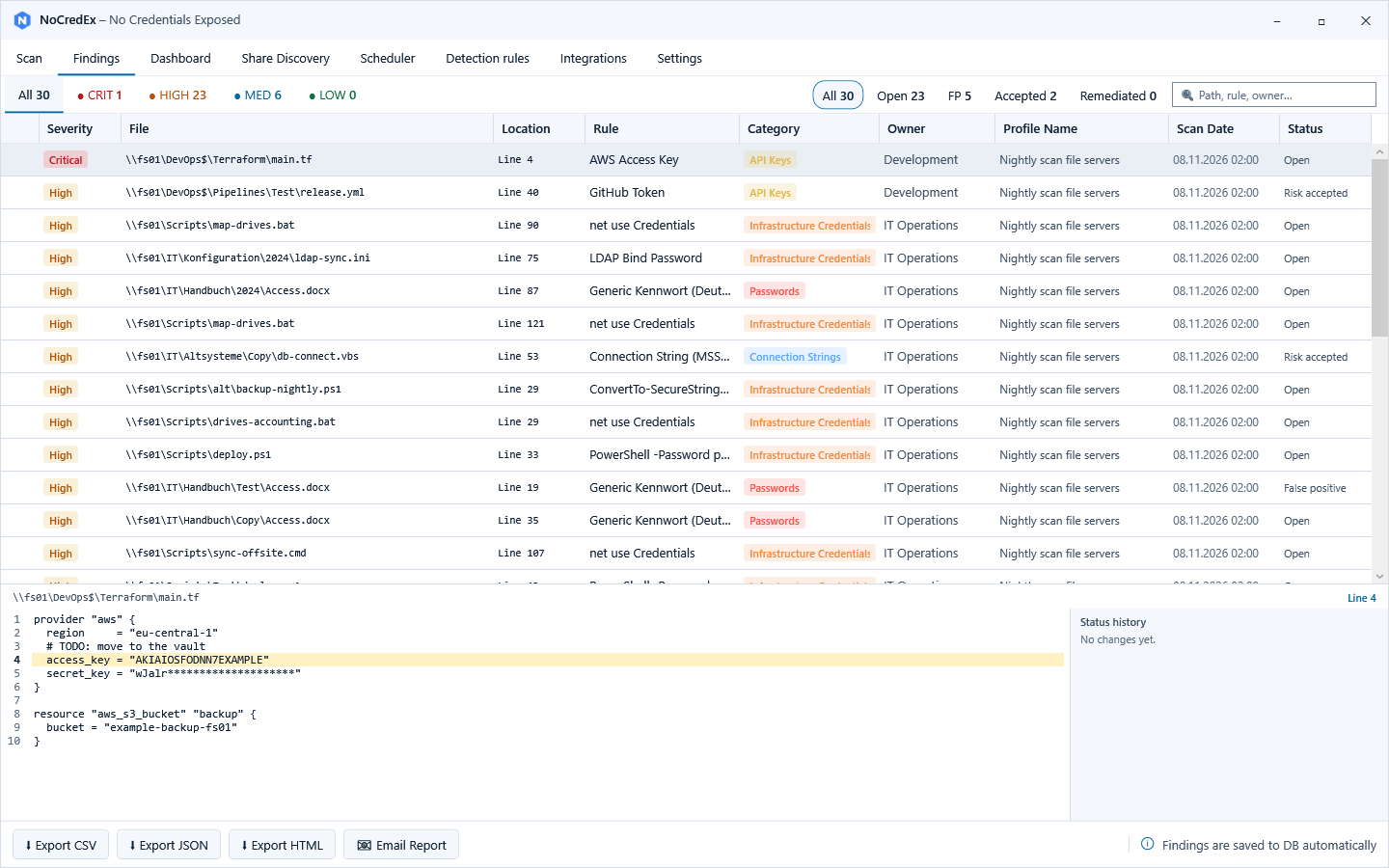
Built-in and custom rules.
The rules cover passwords, connection strings, private keys, tokens and much more. New rules are added continuously through updates.
Internal formats and naming conventions as well as company-specific secrets can be captured with your own regular expressions.
Some files are suspect by name alone. NoCredEx reports them without opening them, for example:
File types and sources.
Scripts, configuration files, exports, files without an extension: NoCredEx reads them all. Binary files are recognised and skipped.
NoCredEx reads Excel and Word files including macros, as well as ZIP files, so a password in a zipped backup is found too.
Windows, Samba and NAS shares are read over the network.
Example values are sorted out, duplicates are merged.
Some values cannot be real, for example an example token with the wrong structure. They get the status “Invalid format” and do not count as open findings. NoCredEx checks JWT, PEM keys, Azure and PyPI tokens, among others.
If the same password turns up in several files, NoCredEx recognises it as secret sprawl. The dashboard shows how far it has spread.
Where passwords typically sit on file servers and how to fix them properly is explained in our guide
You use NoCredEx free for three months with every feature and decide afterwards whether to buy it at special conditions.
All results stay on your own system.